Released October 22, 2026
What’s new in Icon Mosaic 1.0.5
Icon Mosaic 1.0.5 is the biggest update yet. Your apps can have new icons of their own, the phone on your Mac now looks just like your own, and everything is easier to find. Here is what is new.
Updated

Custom icons
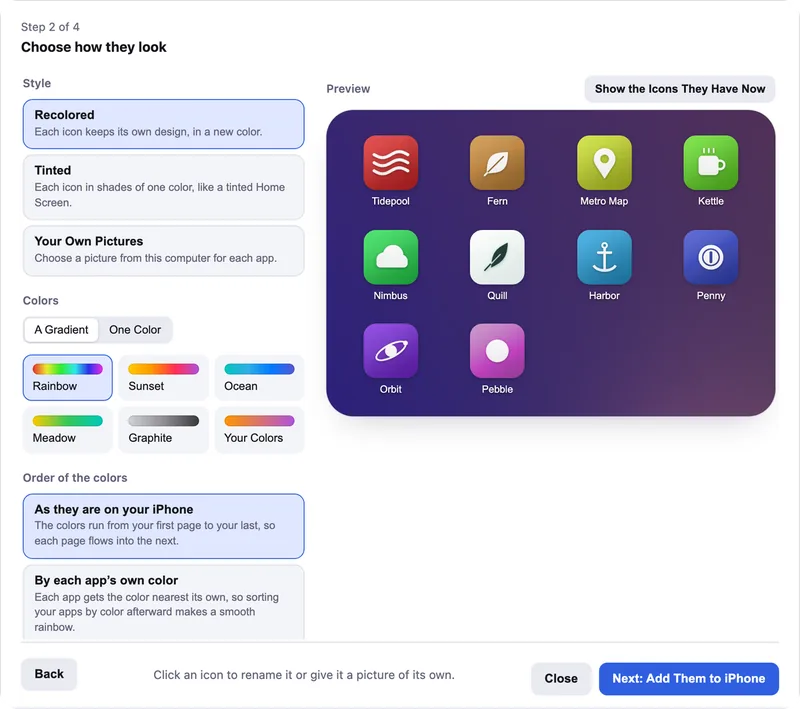
Icon Mosaic can now give your apps new icons of their own. Choose your apps, pick a rainbow or the colors you like, and Icon Mosaic makes each icon through the Shortcuts app, so it opens its app straight away. You can also make icons that call, text or FaceTime the people you talk to most, and contacts from an Android phone now come over as icons like these.

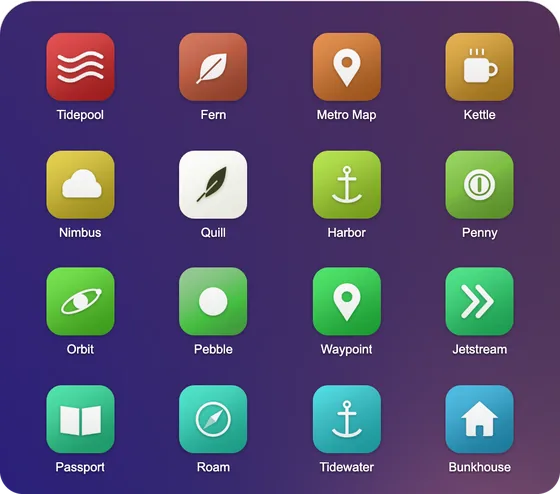
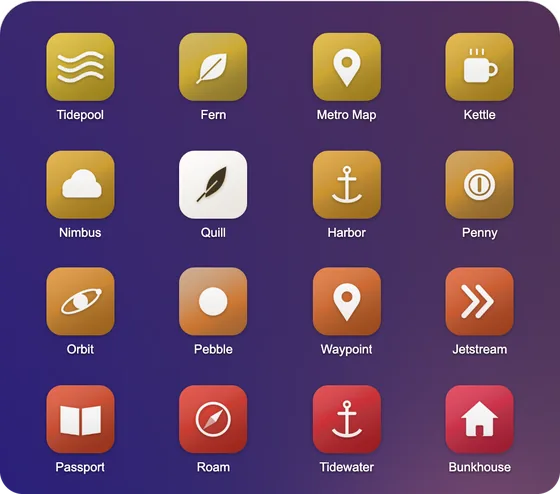
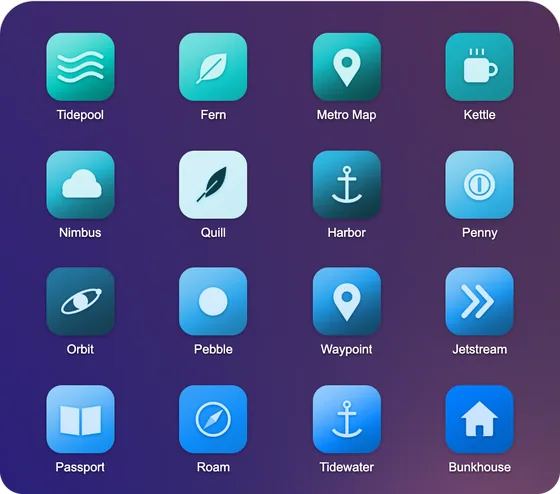
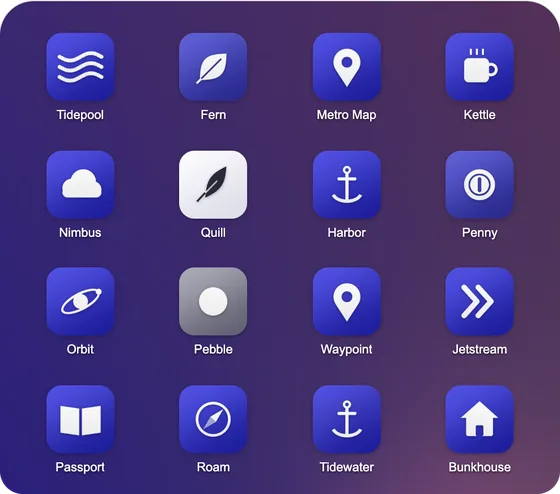
How to give your apps custom icons
Your Home Screen, side by side
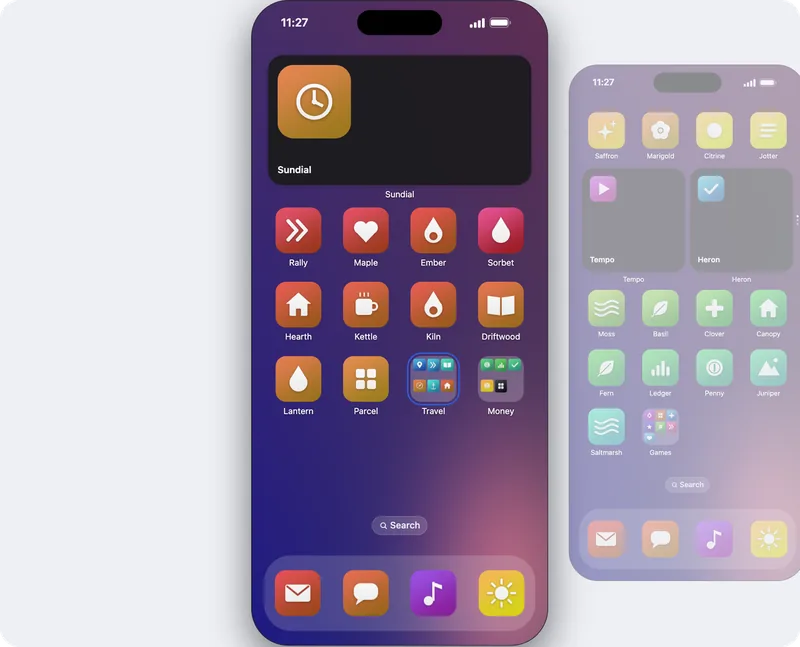
The phone in Icon Mosaic now looks like your own, with the wallpaper your iPhone shows today, the time along the top, and the pages before and after it standing beside it. Swipe with two fingers, drag the wallpaper, or click the page beside the phone to turn to it, and hold an icon at the side of the phone to carry it to the next page.

A place to start
If you are not sure where to begin, the panel on the right lists the ways Organize can arrange your apps for you: by color, from A to Z, in folders, or in your own words. Organize can now take apps out of their folders, too.

A new toolbar, and Find Any App
The window has a new toolbar, with every everyday action as a button with its name under it, and Settings is now arranged in sections. The Search Apps field is always at the top. Press ⌘ F, type part of a name, and Icon Mosaic lists every place it found that app, even inside a folder.


Hidden Apps
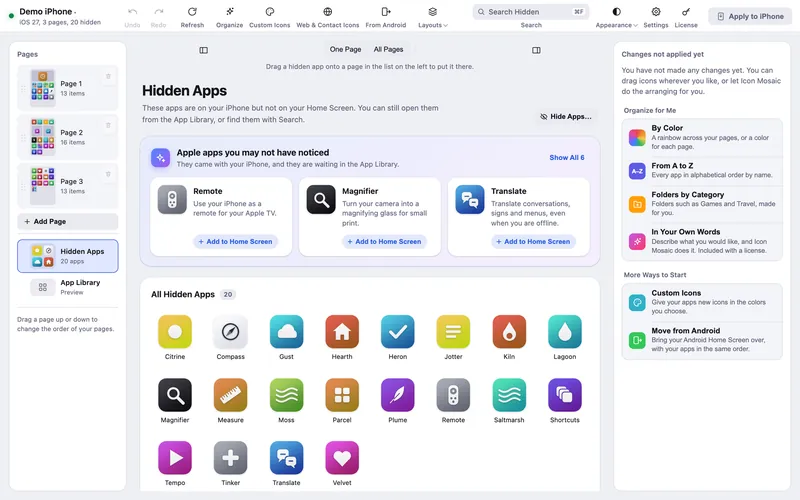
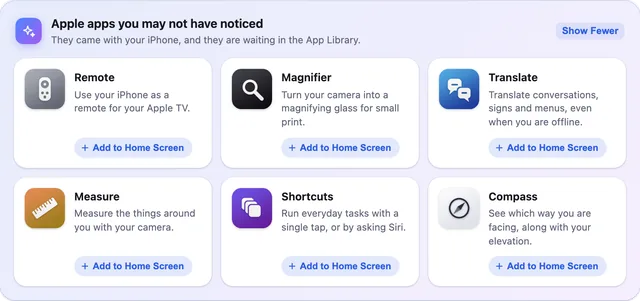
Hidden Apps keeps the apps you rarely use off your Home Screen, and it shows the Apple apps you may not have noticed, such as Remote and Magnifier, so you can put them back.
How to hide apps from your Home Screen
Folders the iPhone way
Hold one app over another to make a folder, even on a full page. Moving an icon into an earlier spot now works the way you expect.
Move from Android over Wi-Fi
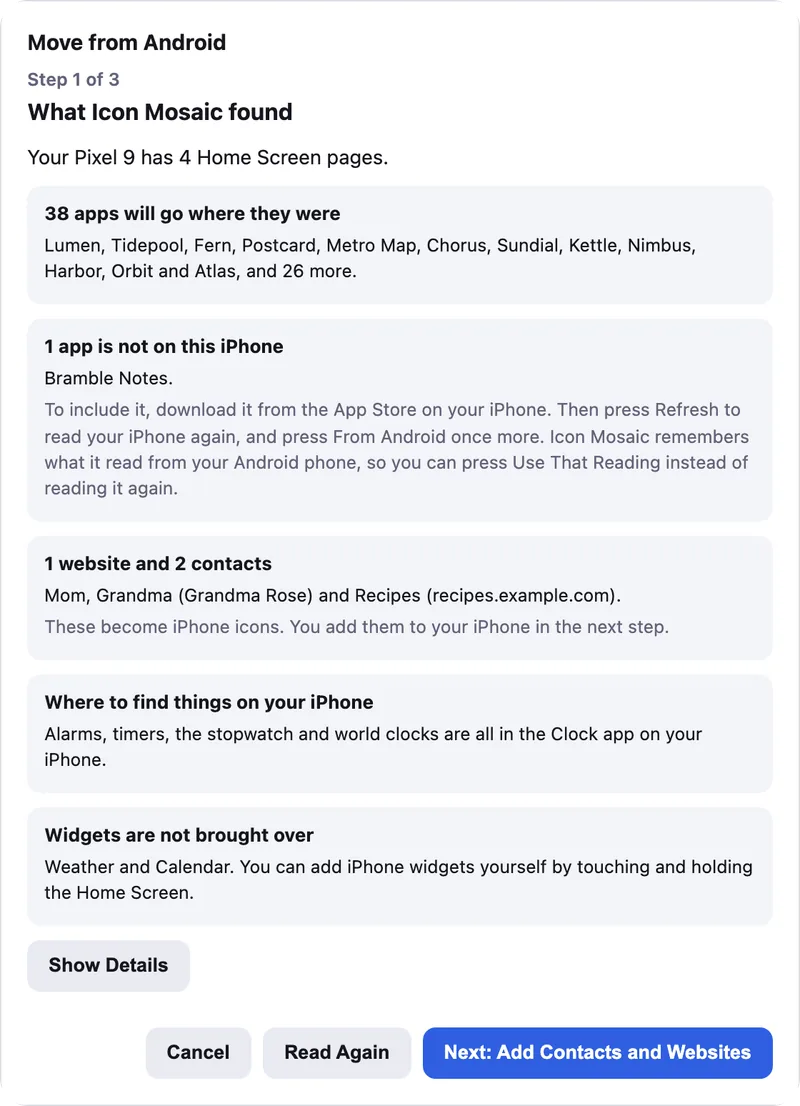
Bringing over an Android Home Screen can now connect over Wi-Fi as well as with a cable, and the steps for getting your phones ready come with pictures of each screen.
How to move your Android Home Screen to an iPhone
A short tour
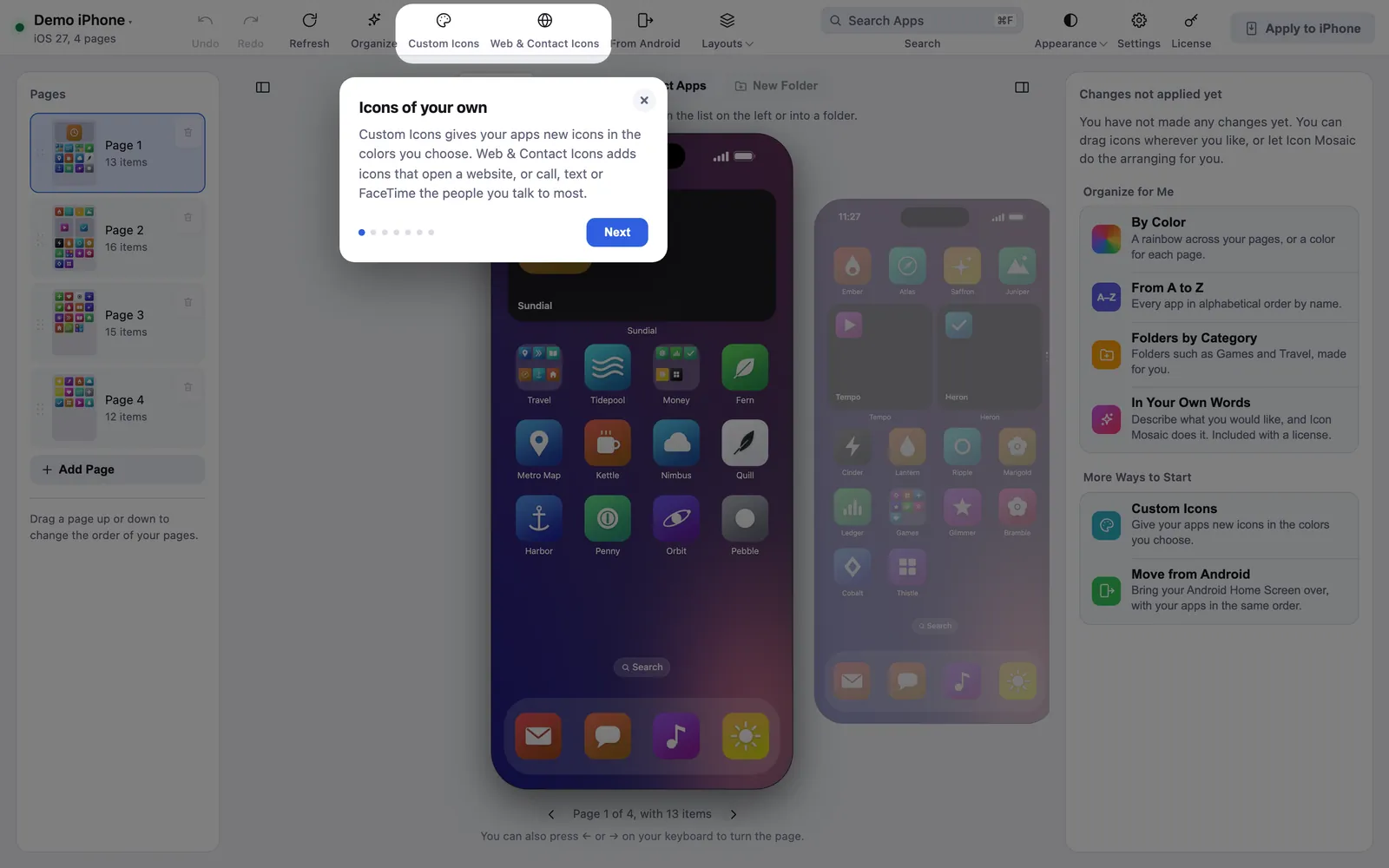
The first time you open this version, a short tour shows you everything that is new, right on the window.
Get Icon Mosaic 1.0.5.
Download the newest version for your Mac. If you already have Icon Mosaic, it tells you when the update is ready, and your license includes every update to version 1.
Free to download and try. A one-time $19 license puts your new layout on your iPhone. A version for Windows is coming to the Microsoft Store soon.
Keep reading