 Icon Mosaic
Licenses and refunds
Icon Mosaic is free to download and try, and a single payment unlocks the rest. Here is everything about the license in one place: what it includes, how to enter it, how to move it, and how refunds work.
Updated
What is free, and what the license adds
| Free | With a license | |
|---|---|---|
| Read your Home Screen, and rearrange it on your Mac | Yes | Yes |
| Sort by color or A to Z, and folders by category | Yes | Yes |
| Hidden Apps, search, undo, and saved layouts | Yes | Yes |
| See exactly what would change on your iPhone | Yes | Yes |
| Put your new layout on your iPhone | No | Yes |
| Delete apps from your iPhone | No | Yes |
| Custom icons, and website and contact icons | No | Yes |
| Folders described in your own words | No | Yes |
A license is a one-time payment of $19. There is no subscription. It works on up to three computers that you personally use, and it includes every update to version 1. You can buy a license here, or from the License button in the app.
How to enter your license key
- Find your key. It is shown on the screen after you pay, and we email you a copy too.
- Open Icon Mosaic, and click License. It is the key at the top right of the window.
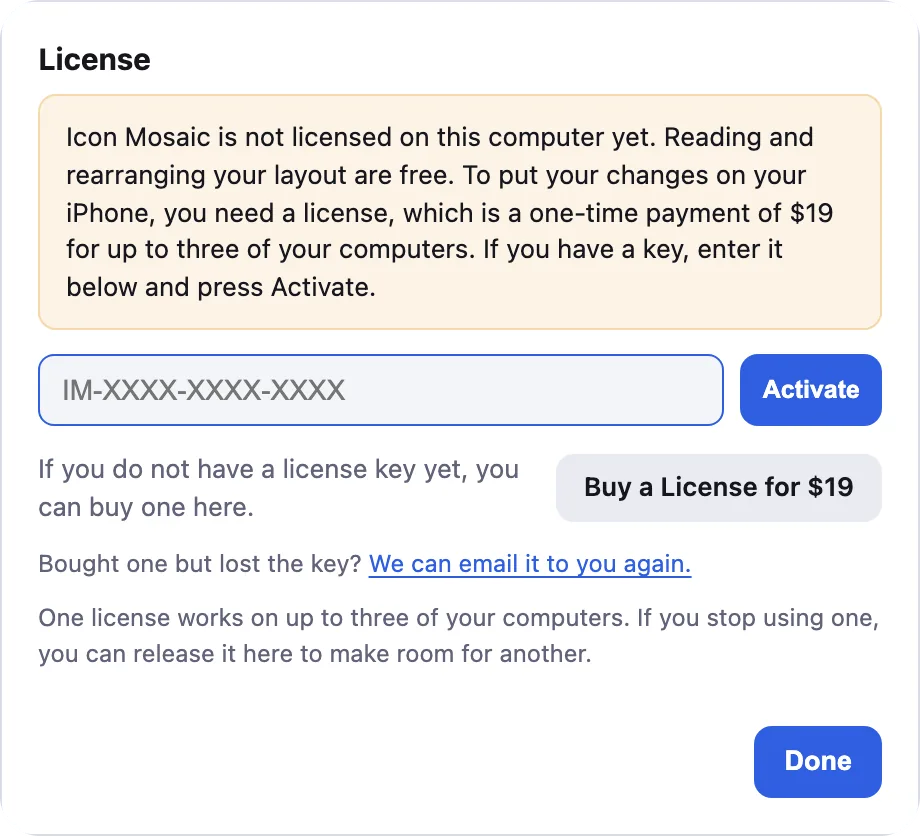
Paste your key, and click Activate. - Paste your key into the box, and click Activate.
How to move your license to a new computer
- On your old computer, open Icon Mosaic, click License, and click Release this computer.
- On your new computer, open Icon Mosaic, click License, paste your key, and click Activate.
If you can no longer use your old computer, you can do this from the new one. Enter your key and click Activate. If all three seats are in use, Icon Mosaic lists the computers your license is on, so you can release the old one right there and click Activate again.
If you lost your key
Go to the find your license key page and enter the email address you bought with. We will email your key to that address again. If it does not arrive within a few minutes, check your spam folder, or try any other email address you might have used.
Refunds
If Icon Mosaic does not work for you, reply to your receipt within 30 days of buying, and we will refund you. A refunded license stops working. The full terms are on our terms page.
Features that use our server
A few features send a request to our server: organizing your apps from a request in your own words, matching Android apps to their iPhone versions, and, on a Mac that is not signed in to iCloud, making custom icons. Each license can make up to 100 organizing requests a day and 1,000 in all, and up to 20 sets of custom icons a day. The app tells you if you reach a limit, and everything else keeps working. If you need more, email us.
Common questions
How much does Icon Mosaic cost?
Icon Mosaic is free to download and try. A license is a one-time payment of $19, with no subscription.
What can I do without a license?
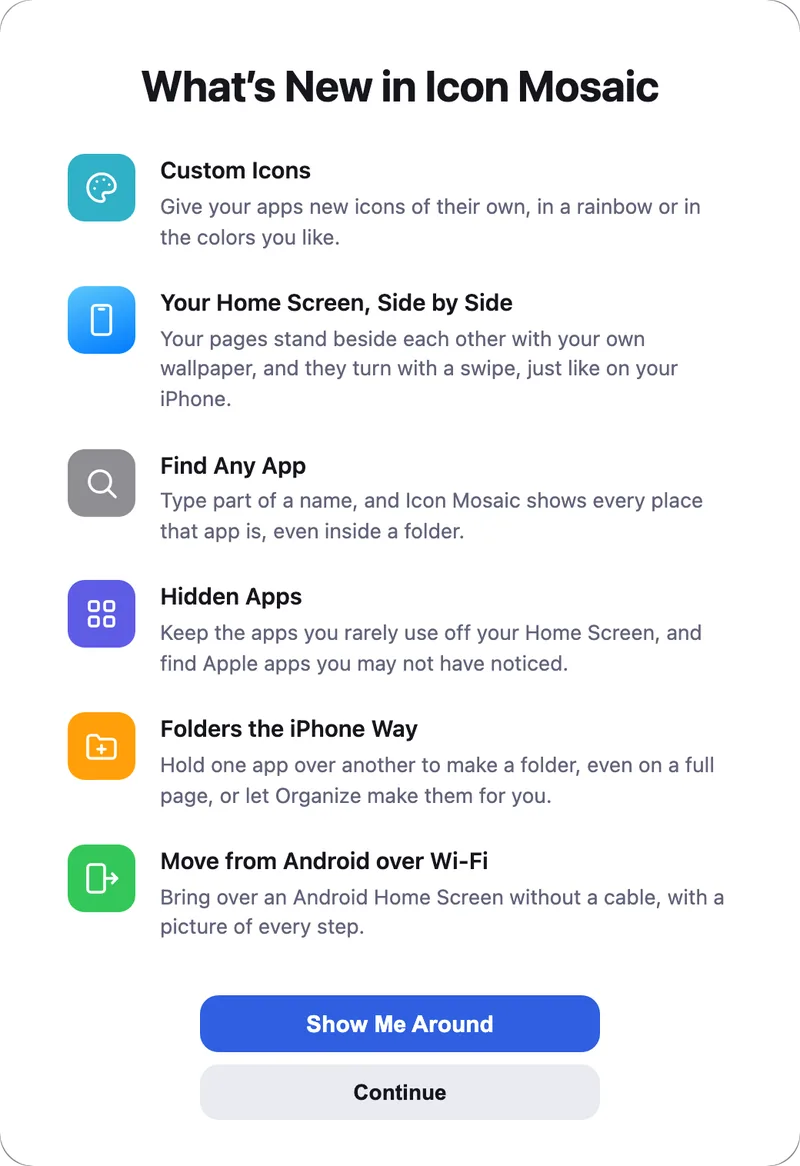
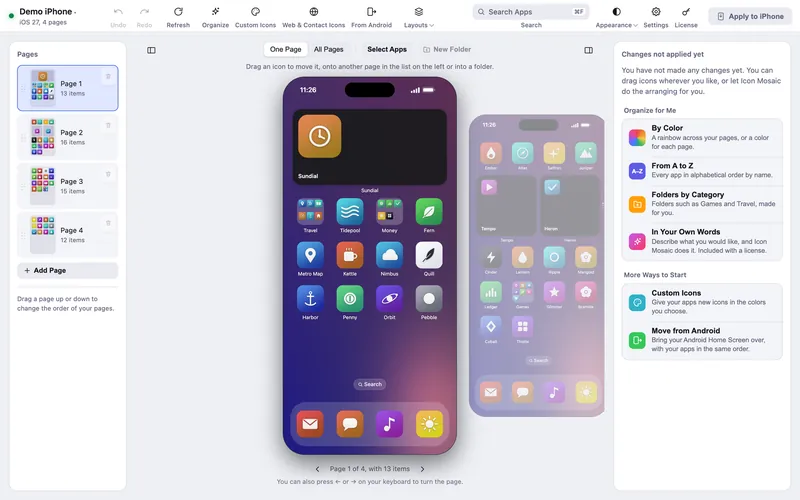
You can read your Home Screen, rearrange it on your Mac, sort it by color or from A to Z, make folders by category, choose which apps to keep in the App Library, search, undo, save layouts, and see exactly what would change on your phone.
What does the license add?
A license puts your new layout on your iPhone. It also lets you delete apps from your iPhone, add website and contact icons and custom icons, and make folders by describing what you want in your own words.
How many computers can I use my license on?
Up to three computers that you personally use, at the same time. You can release a computer from inside the app to move the license to another one.
Do I get updates?
Yes. A license includes every update to version 1, and Icon Mosaic tells you when a new version is ready.
Can I get a refund?
Yes. If Icon Mosaic does not work for you, reply to your receipt within 30 days of buying and we will refund you. A refunded license stops working.
I lost my license key. How do I get it back?
Go to iconmosaicapp.com/license and enter the email address you bought with. We will email your key to that address again.
Keep reading