Guides to a Home Screen you love
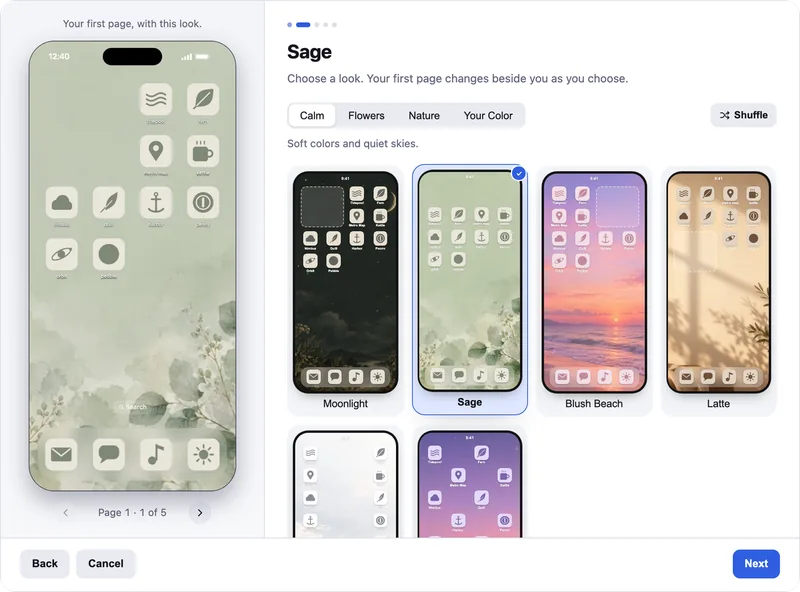
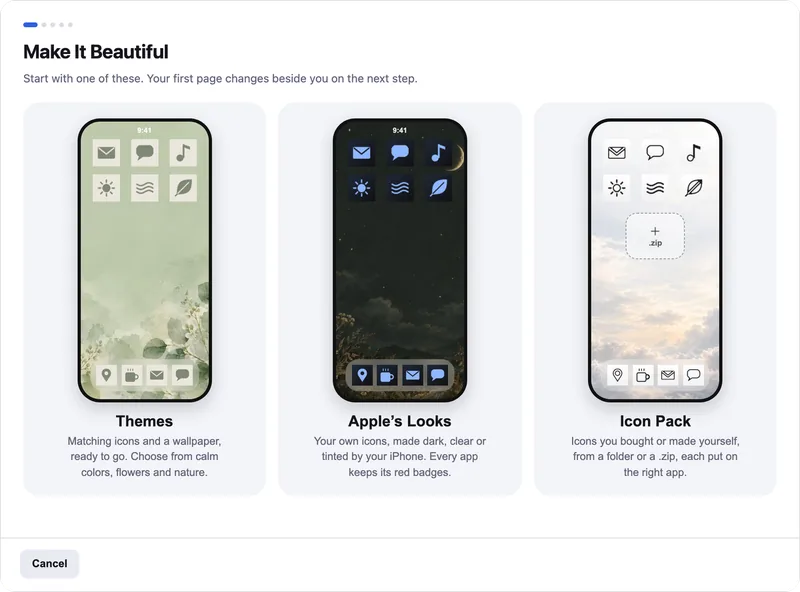
Step-by-step guides, with pictures, for organizing your iPhone’s Home Screen. Each one shows how to do the job on the iPhone itself, and the quicker way on your Mac or PC with Icon Mosaic.
Themes and custom icons


Organize your apps
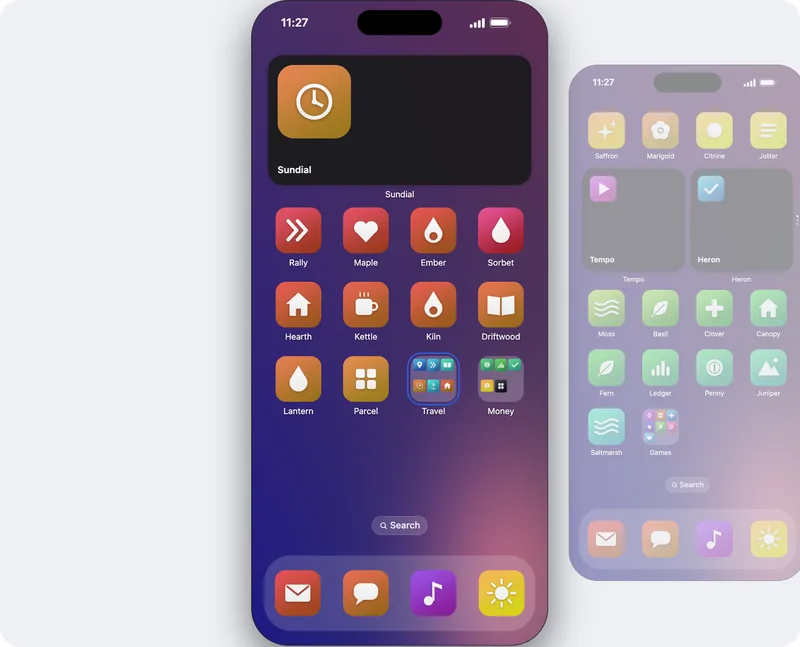


Move and manage your apps


Layouts, resets and switching phones
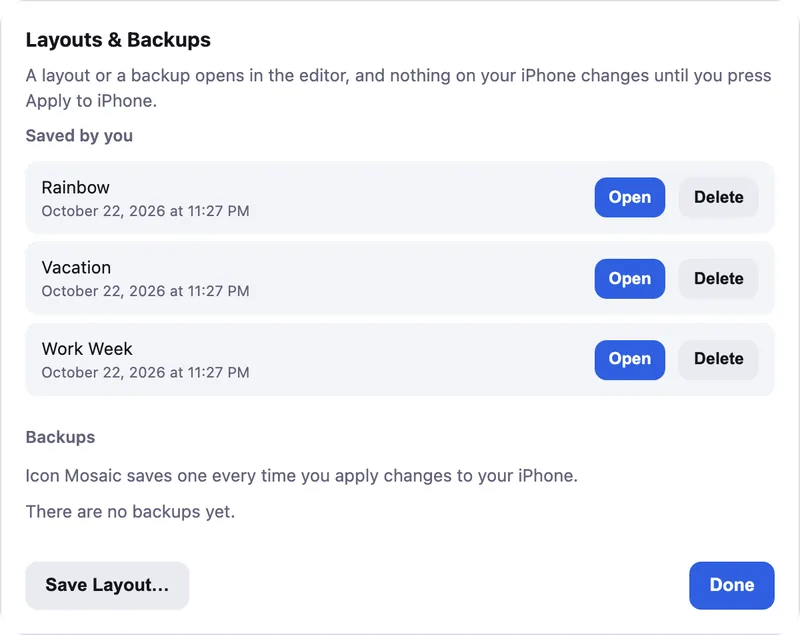
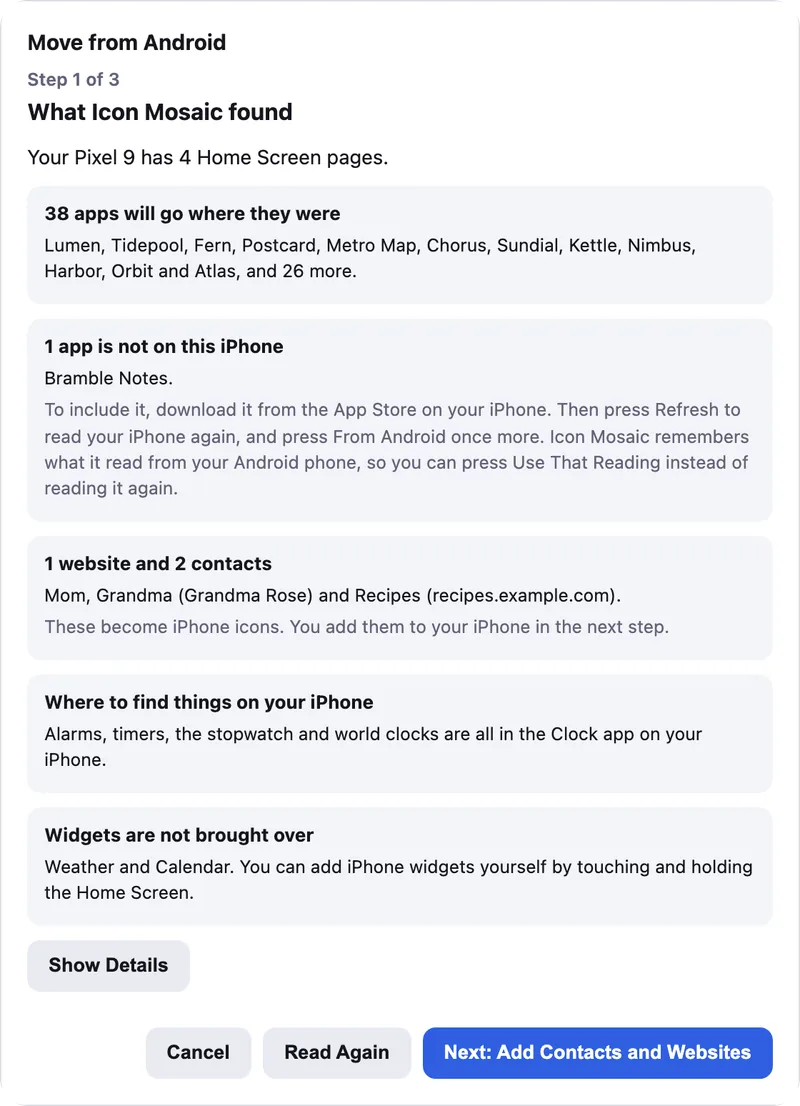


Ways to arrange your Home Screen from a computer
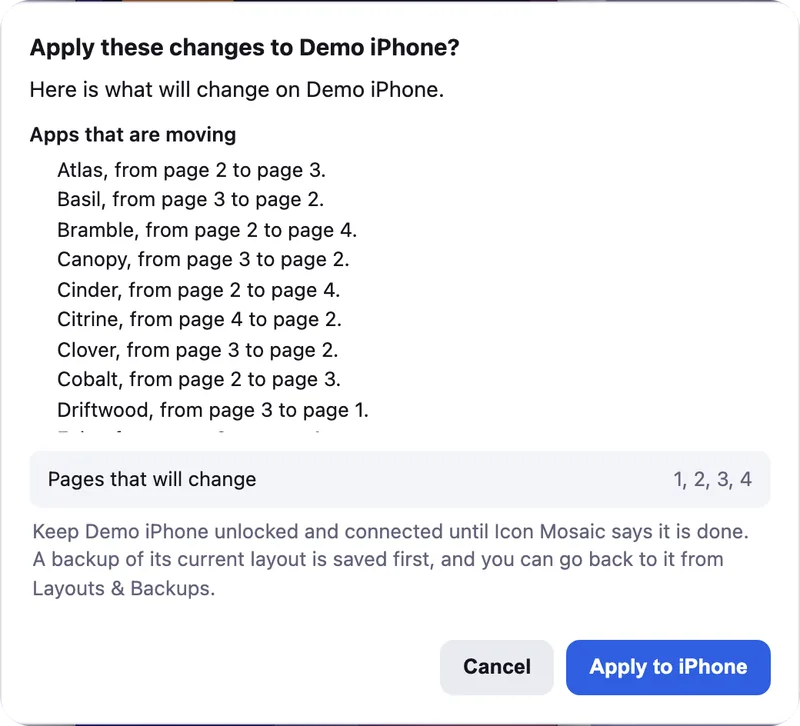

Do it all on your Mac or PC, in minutes.
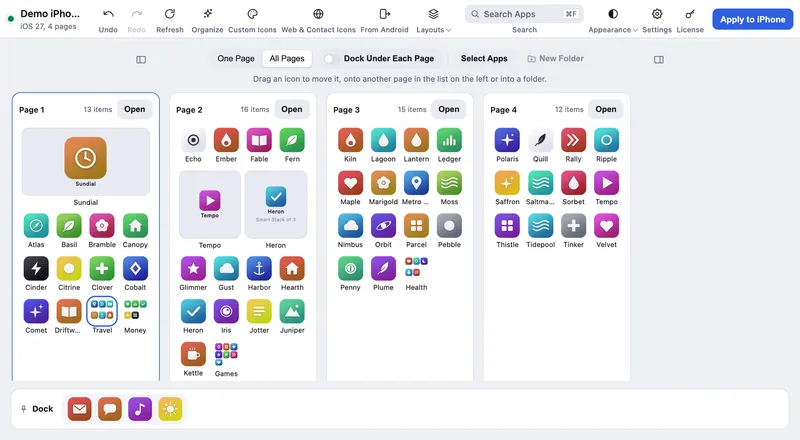
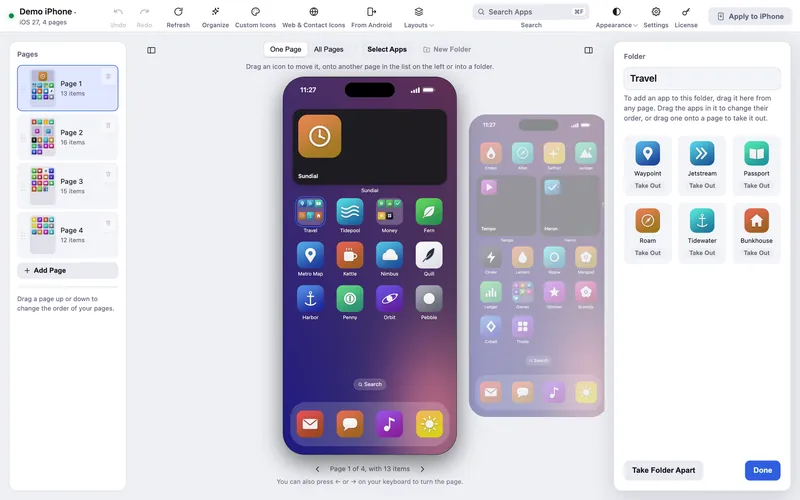
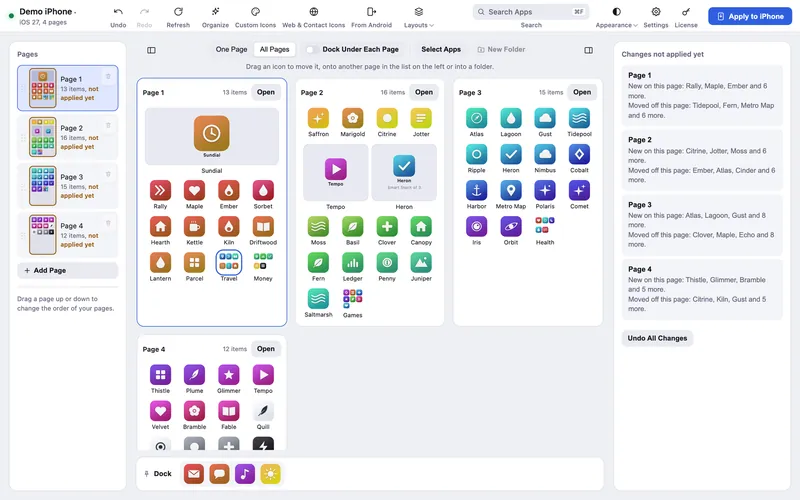
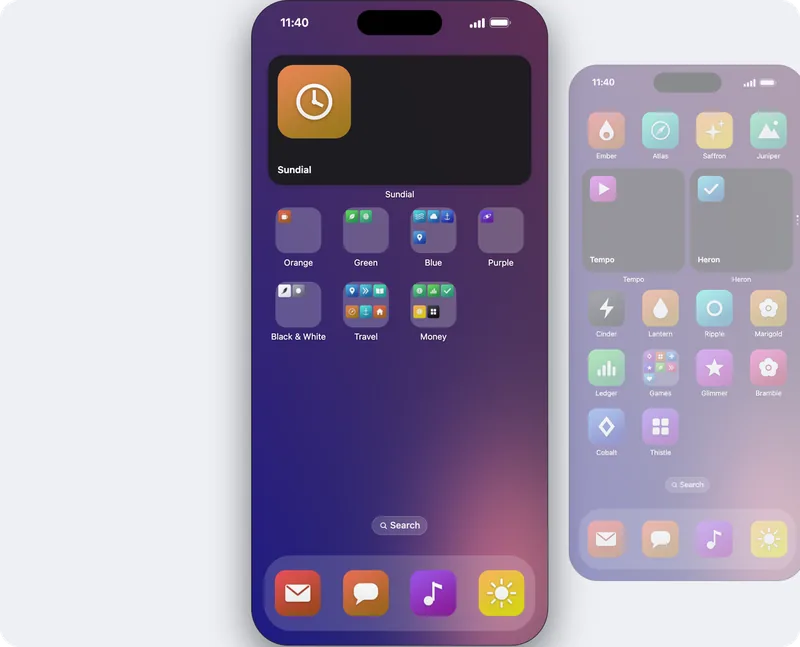
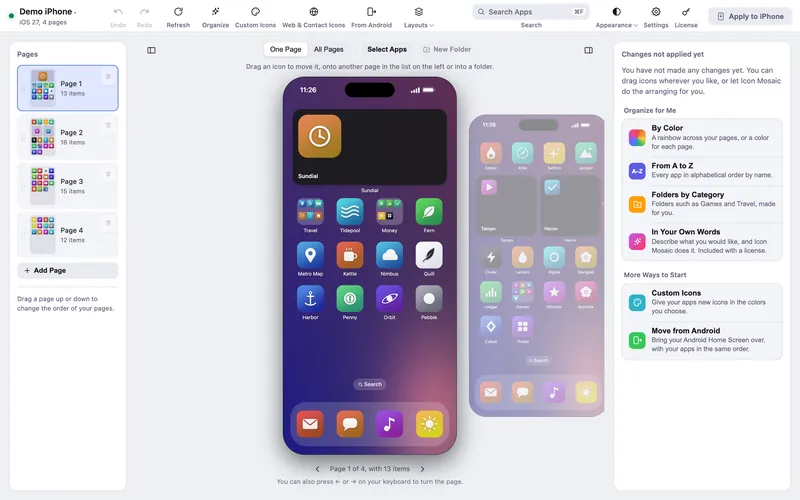
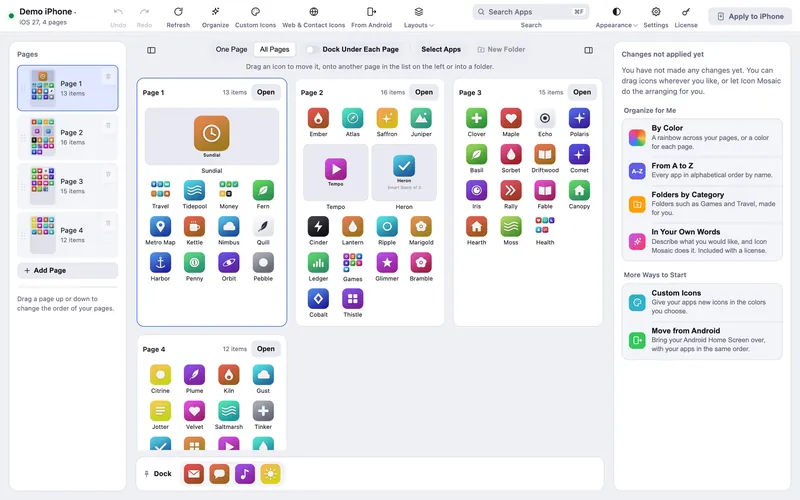
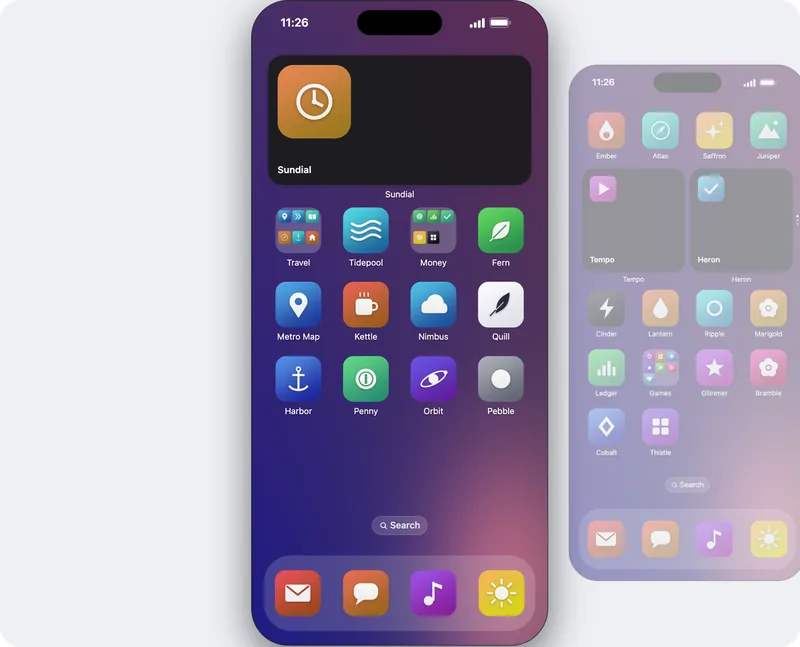
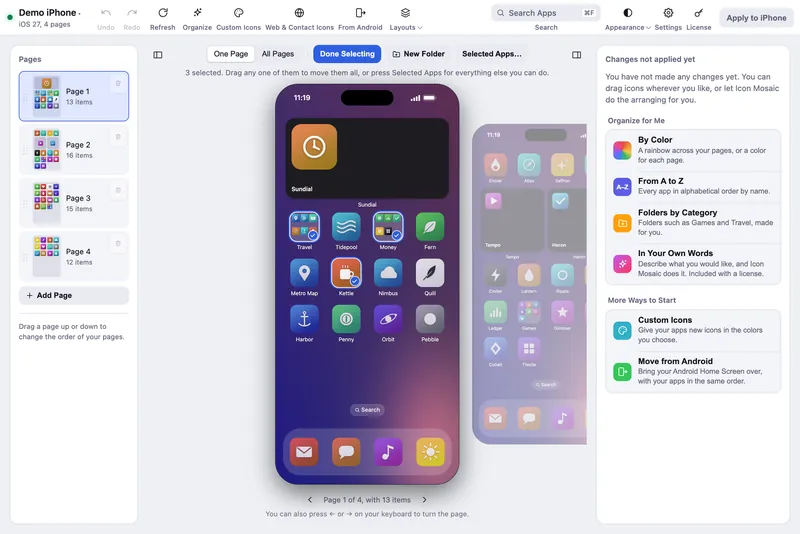
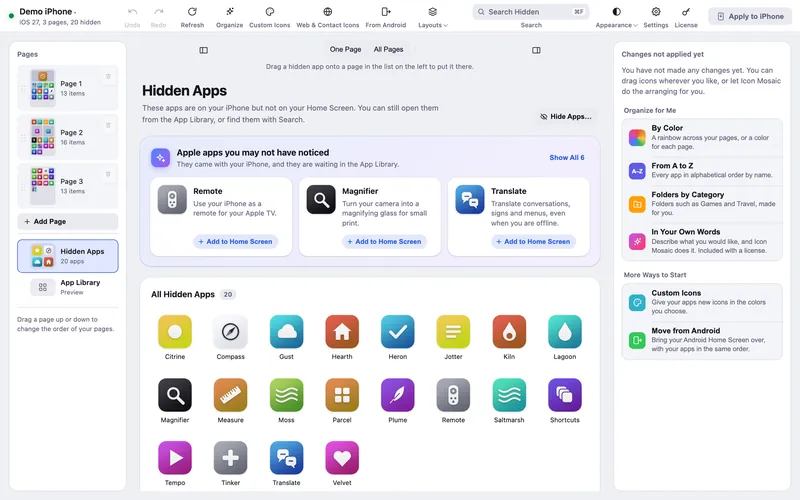
Icon Mosaic shows every page of your iPhone’s Home Screen side by side on your computer, so you can drag apps anywhere, sort them by color or from A to Z, make folders, and send the result to your phone in one step.
Free to download and try, on a Mac or a Windows PC. A one-time $19 license puts your new layout on your iPhone.